
Is the Figma Era Coming to an End?
TL;DR
A hands-on look at designing a mobile product with Claude Design, what AI changes in the design workflow, and why Figma still matters for precision, systems, and scale.


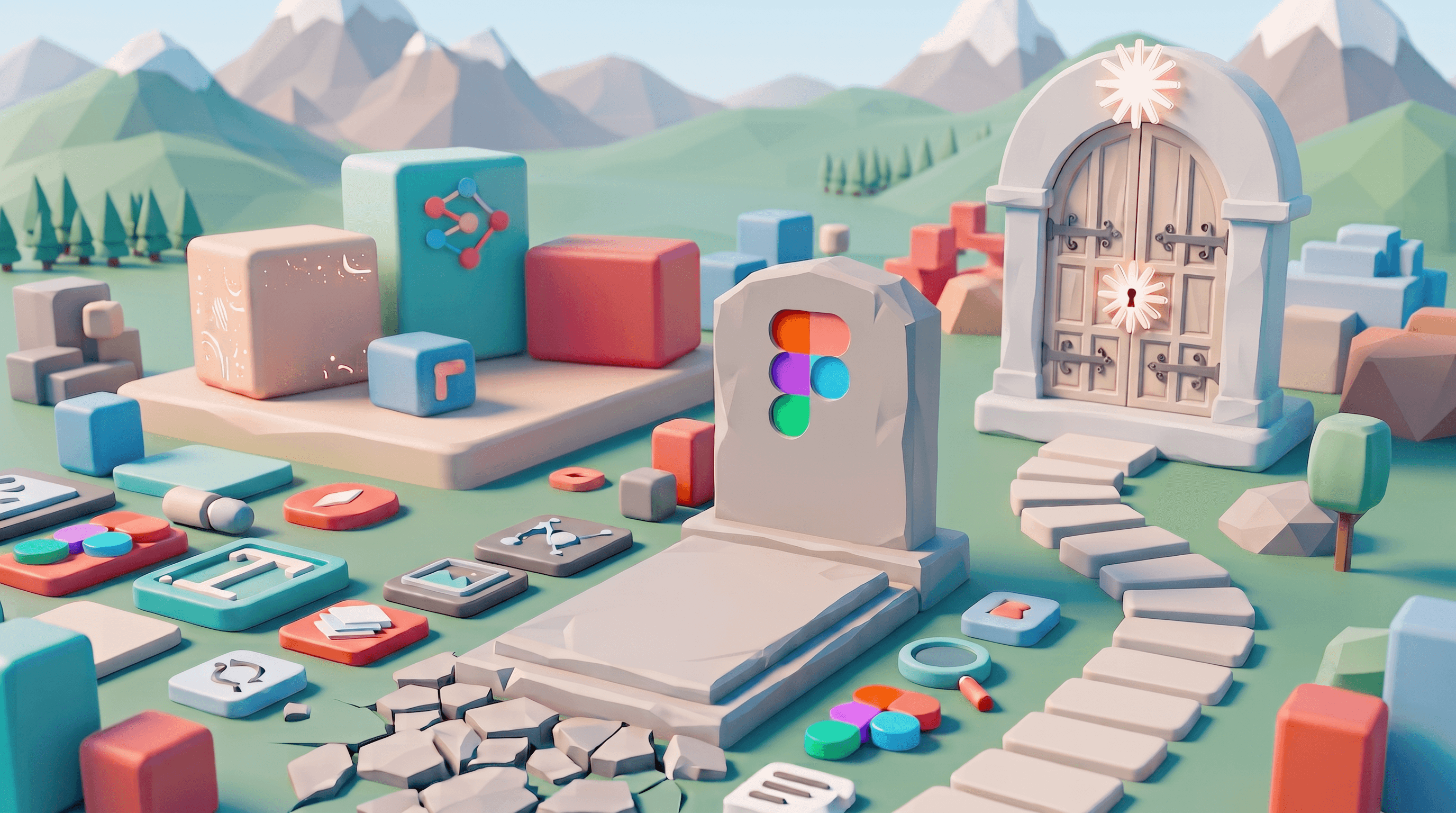
Every few months, a new AI tool appears claiming it’s about to change the way we design digital products. Most generate a lot of hype before quietly fading away, while a few slowly become part of our everyday workflow.
Recently, Hypnotic challenged me to design a product using Claude Design, leaving me both excited and panicked.
As a Product Designer, I’ve spent years working in Figma. Like most designers, I’ve built habits around it. It’s where I think, where I explore ideas, where I organise complex products, and where everything eventually comes together. So the idea of putting Figma aside and trusting an AI to generate an entire interface from prompts felt… uncomfortable.
But that’s exactly why I wanted to try it. My goal wasn’t to prove that Claude Design was better than Figma, or to prove the opposite. I simply wanted to understand whether this new way of designing could realistically become part of my workflow.
After days of experimenting, rewriting prompts, pushing Claude further than I thought it could go, and learning how to communicate with it, something surprising happened. The quality of the output became genuinely impressive. In a remarkably short amount of time, I had designed an entire mobile application that I’m genuinely proud of. It’s called Loop, a habit tracker we’re currently building at Hypnotic, and I honestly can’t wait to share it. The final product still required plenty of refinement and product thinking, but Claude accelerated the creative process.
The real question isn’t if Claude Design will replace Figma. It’s understanding what each one is designed to do, where each one excels, where each one falls short, and how they’ll probably end up working together rather than replacing one another.
So, what exactly is Claude Design?
The easiest mistake to make is thinking of Claude Design as a design application. It isn’t.
Unlike Figma, Sketch or Adobe XD, Claude doesn’t give you a visual canvas where you drag elements into place, create components or organise layers. Instead, everything starts with a conversation. You describe the interface you have in mind, explain what you’re trying to build, and Claude responds by writing the code required to create it.
That distinction is more important than it first appears.
When you ask Claude to create a landing page, it isn’t drawing rectangles or assembling components from a library. It’s generating HTML, CSS, and, when needed, JavaScript, then rendering that code directly inside the conversation. The result feels surprisingly natural because you’re looking at a live interface rather than a static mock-up.Claude generates each slide as code, styles everything automatically, and gives you something you can immediately review, iterate on, and improve simply by continuing the conversation.
There’s something incredibly refreshing about removing the friction between an idea and seeing it come to life. (It is quite simple to try animations for a button, exploring micro-animations and enriching your design beyond a pixel-perfect layout.)
Instead of opening a design file, creating frames, setting up grids and worrying about Auto Layout before you’ve even explored the concept, you’re simply describing what you want. The interface appears almost instantly, and within seconds you’re already refining it.
It feels less like designing software and more like collaborating with someone who happens to build interfaces at remarkable speed.
What genuinely impressed me
The first thing that stood out wasn’t necessarily the speed; it was the quality of the designs, at least at first glance.
We’ve become used to AI generating images or helping us write copy, but seeing an interface appear almost instantly still feels slightly surreal. You can ask Claude to create five different habit cards, redesign a pricing page, explore alternative navigation patterns, or generate a complete dashboard, and within moments you have something tangible to react to.
That changes the way you think.
Instead of spending half an hour translating an idea into wireframes before deciding whether it’s worth pursuing, you’re evaluating ideas almost immediately. You stop worrying about how to build the interface and start thinking about whether the concept itself makes sense.
This is actually where the work of the designer becomes more relevant. If you don’t provide clear direction, Claude Design does competent work, but it somehow feels bland, empty, and generic. But if you provide real art direction and guidance, it is a powerful tool for experimentation, exploring variations, and testing different solutions and concepts. It saves you a lot of time and gives you more space to refine your design ideas throughout the exploration process, open space to really think about the product strategy and user workflows, and gives thought and detail to what really makes your product unique. That’s genuinely exciting.
But then reality starts to kick in
The more I experimented, the more I realised something important. Claude is incredibly imprecise at generating output. It generates multiple font sizes, inconsistent padding, and lacks adherence to a design system—it isn’t particularly interested in giving you control over the output.
Eventually, every project reaches a stage where details begin to matter. You want to adjust spacing by a few pixels, define a typography hierarchy, establish reusable components, and refine every detail to absolute pixel perfection.That’s where Claude stops feeling like a design tool and starts feeling like an incredibly talented prototype generator.
There’s no persistent design file waiting for you tomorrow morning. Each generation is essentially a new artifact, connected by the conversation rather than by an underlying design system.
These limitations aren’t flaws. They’re simply a consequence of what Claude is trying to be.
Why Figma still matters
This is precisely where Figma continues to feel indispensable. Figma was never designed to generate ideas. It was designed to organise complexity.
As products grow, teams grow alongside them. Components become systems. Colours become tokens. Screens become user journeys. Suddenly, consistency matters far more than ideation, or your project will end up being a disconnected buffet of good ideas.
Although you can upload or even generate a design system within Claude, the platform tends to treat it more like a friendly suggestion rather than a foundational framework meant to be strictly followed.
On the other side, Figma is built to manage sheer complexity. As products and teams expand, maintaining consistency becomes critical to prevent a project from fracturing into a disjointed collection of loose ideas. Figma prevents this by anchoring the design process, transforming loose screens into complete user journeys, components into structured systems, and colors into functional tokens.
The platform provides unparalleled precision, giving designers total authority over every pixel, spacing value, and typographic hierarchy. It handles software development at scale through an ecosystem of shared components, manageable variables, comprehensive version histories, and developer-focused specifications via Dev Mode. These capabilities form the essential, steady foundation that product teams depend on daily.
These are things product teams rely on every single day. They aren’t particularly exciting features, but they’re the foundation of building software at scale.The perspective from the development side
To understand how this shift impacts the technical implementation, I spoke with Cassiano, a developer collaborating on this project. His insights provide a necessary reality check on the handoff process:“ I pick up these designs from the other end of the process, turning them into working code, and the handoff surprised me. The MCP that connects Claude Design to the AI writing our code pulls the layout across almost exactly as it was designed; when the file is clean, we start with nearly the whole interface already built. The catch is the one raised earlier: because Claude doesn't hold a strict design system from one prompt to the next, those inconsistencies travel into the code too. Isolating the odd component and adjusting it with a separate model gets us back to pixel-perfect, though the real fix would be for the tool itself to treat the design system as a hard constraint rather than a suggestion.
Two other things slowed us down, and both have obvious fixes. Assets move through the MCP as text — SVG markup, essentially, so a screen full of icons forces the AI to read and forward every one, ballooning the context and burning through daily token limits; saving them as real files and passing references would settle that at a stroke. And there's no way to inspect precisely: no ruler, no Dev Mode equivalent, so checking a gap, a margin or a padding value becomes guesswork rather than measurement. None of these are structural limitations, they're the kind of refinements that tend to arrive quickly once a tool finds its audience.
Even so, my verdict as a developer is an easy one. Claude Design is a genuinely great tool, and its integration with Claude Code is the best part of it. The one real weak spot is pixel-perfect implementation, and that comes down to how hard the design is to measure, not the output itself. For getting from an idea to a working interface, it's excellent and a great process to be part of while it keeps improving with every release.”
But Figma is changing too
It’s equally important to recognise that Figma isn’t ignoring what’s happening. Quite the opposite.Figma is actively adapting to the shifting landscape by aggressively incorporating AI features like Figma Make, Motion, and the Design Agent. There is a clear recognition that the future of design extends far beyond manually plotting shapes on a canvas. Instead, the workflow is consolidating into a balanced middle ground: AI handles the heavy lifting of ideation, variation generation, and routine production work, while traditional design environments remain the definitive space where those concepts are organized, validated, and finalized for engineering.
Figma clearly understands that manually placing rectangles on a canvas isn’t where the future of design is heading. The future is likely somewhere in the middle.
AI will increasingly help us generate interfaces, explore ideas, and automate repetitive production work, while traditional design tools evolve into environments where those ideas are refined, organised, tested, and prepared for development.
The gap between conversational design and visual design tools is already becoming smaller, and I suspect it will continue shrinking over the next few years.
So… will Claude replace Figma?
Today, I don’t think so. Could I be wrong? Absolutely.
The pace of AI development over the last couple of months has taught us not to make overly confident predictions.
But based on where these tools are today, I don’t think we’re looking at a future where one replaces the other.
The future likely holds a workflow where these two tools naturally complement one another.
A design workflow starting within Claude is easy to imagine, serving as a space to brainstorm fresh ideas, test layouts, generate diverse concepts, and rapidly iterate toward a solid direction. Once the concept matures, it can transition over to Figma. Looking ahead, either Figma will advance to let designers generate assets directly and polish them later (improving upon features like Figma Make), or Claude Design will develop to offer absolute control for detailed refinement. For now, Claude is exceptional at accelerating exploration, while Figma remains the tool for execution with precision.
Those aren’t competing objectives. They’re consecutive stages of the same process.
Tags
Services used
Authors

Product Designer
Ana Conde is a Product Designer with 13+ years of experience working across digital products, brands, and platforms. She believes design should advocate for the user—creating digital experiences that don’t just look good, but work.

Full Stack Developer
Electronic Engineering graduate turned Full Stack Developer at Hypnotic Agency, Portugal. Tech enthusiast, AI-powered coding advocate, and eternal learner.